
3.3 KiB
3.3 KiB
poomer-ftxui-modal_select
c++ mockup demonstrating ftxui modal interface
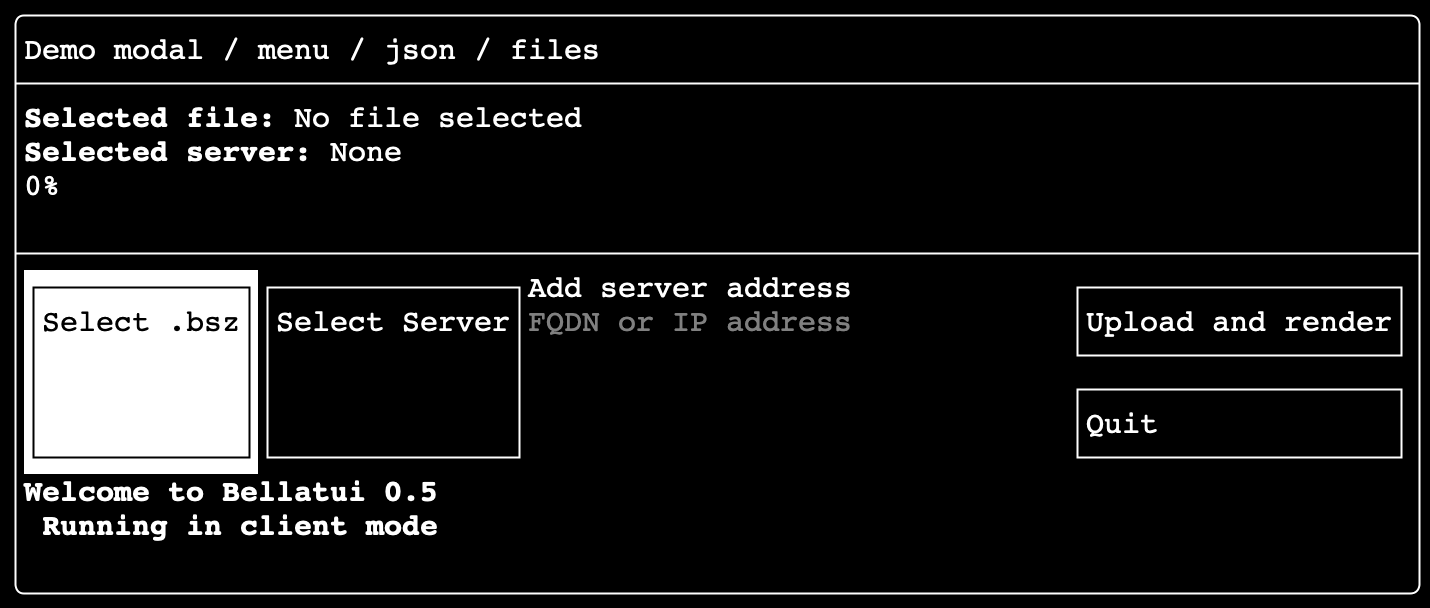
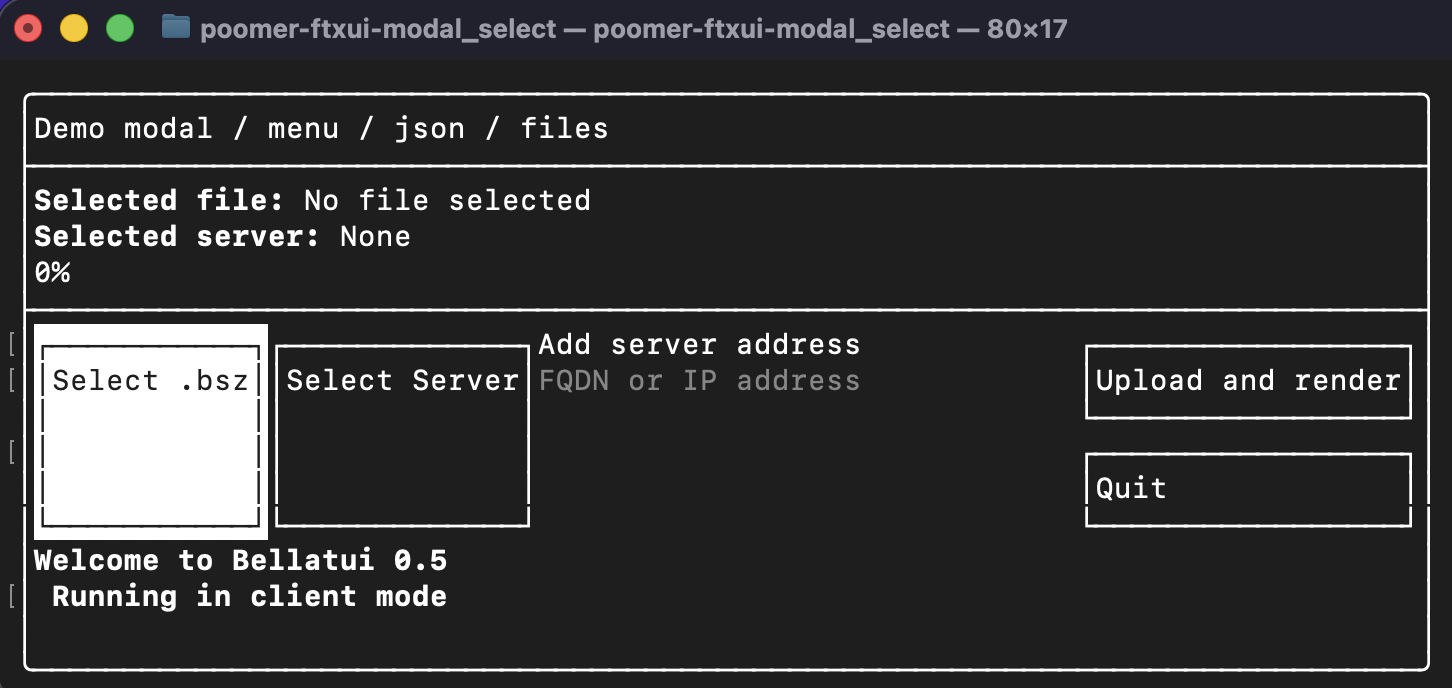
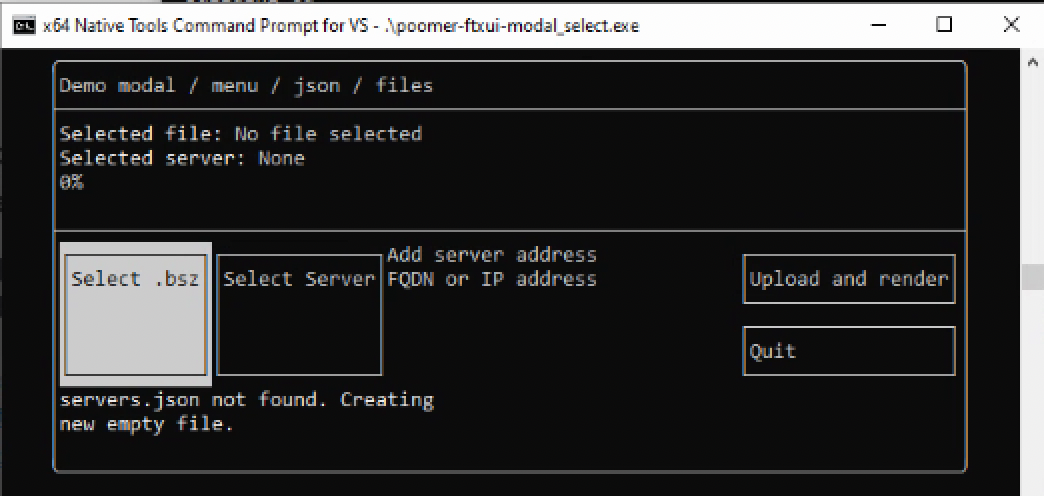
This program is a simple example of how to use the ftxui library to create a modal dialog.
- select an address from a list of addresses in a modal dialog.
- select a file from a list of files in a modal dialog.
- enter an address manually.
- creates a JSON file to store the addresses with nlohmann/json.hpp
- FXTUI links statically
FTXUI is a library that allows you to create text-based user interfaces. It is a lightweight library that is easy to use and understand. It is a modern C++ library that provides a functional approach to building terminal applications.
Ubuntu
MacOS
Windows
Build
workdir/
├── FTXUI/
├── poomer-fxtui-modal_select/
└── cmake/ (macos)
Ubuntu Linux x64
mkdir workdir && cd workdir
mkdir FTXUI poomer-ftxui-modal_select && cd FTXUI

## Build ftxui
git clone https://github.com/ArthurSonzogni/FTXUI .
cmake -B ./build
cmake --build ./build -j$(nproc)
[OPTIONAL] cmake -B ./build -DFTXUI_BUILD_EXAMPLES=ON

## Build poomer-ftxui-modal_select
cd ../poomer-ftxui-modal_select
wget https://github.com/nlohmann/json/releases/download/v3.12.0/json.hpp
git clone https://git.indoodle.com/oomer/poomer-ftxui-modal_select.git .
g++ poomer-ftxui-modal_select.cpp -o poomer-ftxui-modal_select -std=c++17 -I../FTXUI/include/ -L../FTXUI/build -lftxui-component -lftxui-dom -lftxui-screen -I.
./poomer-ftxui-modal_select
MacOS
# Install xcode
xcode-select --install

mkdir workdir && cd workdir
mkdir cmake FTXUI poomer-ftxui-modal_select

# Build cmake
cd cmake
git clone https://github.com/Kitware/CMake.git .
./configure
make -j$(sysctl -n hw.ncpu)

# Build ftxui
cd ../FTXUI
git clone https://github.com/ArthurSonzogni/FTXUI .
../cmake/bin/cmake -B ./build
../cmake/bin/cmake --build ./build -j$(sysctl -n hw.ncpu)

# Build poomer-ftxui-modal_select
cd ../poomer-ftxui-modal_select
wget https://github.com/nlohmann/json/releases/download/v3.12.0/json.hpp
git clone https://git.indoodle.com/oomer/poomer-ftxui-modal_select.git .
g++ poomer-ftxui-modal_select.cpp -o poomer-ftxui-modal_select -std=c++17 -I../FTXUI/include/ -L../FTXUI/build -lftxui-component -lftxui-dom -lftxui-screen -I.
./poomer-ftxui-modal_select
Windows x64
- Download Visual Studio Community Edition
- Run VisualStudioSetup.exe
- Workload = [x] Desktop development with C++
- Individual components = [x] Git For Windows
x64 Native Tools for VS
mkdir workdir && cd workdir
mkdir FTXUI poomer-ftxui-modal_select && cd FTXUI

# Build FTXUI
git clone https://github.com/ArthurSonzogni/FTXUI .
cmake -B ./build -DFTXUI_MICROSOFT_TERMINAL_FALLBACK=ON
[OPTIONAL] cmake -B ./build -DFTXUI_BUILD_EXAMPLES=ON
cmake --build ./build --config Release -j%NUMBER_OF_PROCESSORS%

# Build poomer-ftxui-modal-select
cd ../poomer-ftxui-modal_select
wget https://github.com/nlohmann/json/releases/download/v3.12.0/json.hpp
git clone https://git.indoodle.com/oomer/poomer-ftxui-modal_select.git .
cl /MD /std:c++17 poomer-ftxui-modal_select.cpp /Fe:poomer-ftxui-modal_select.exe /I..\FTXUI\include\ /I. /link ..\FTXUI\build\Release\ftxui-component.lib ..\FTXUI\build\Release\ftxui-screen.lib ..\FTXUI\build\Release\ftxui-dom.lib
.\poomer-ftxui-modal_select.exe