
vmax2bella
[WORK IN PROGRESS, file format is currently not fully grokked]
Command line convertor from VoxelMax .vmax to DiffuseLogic .bsz
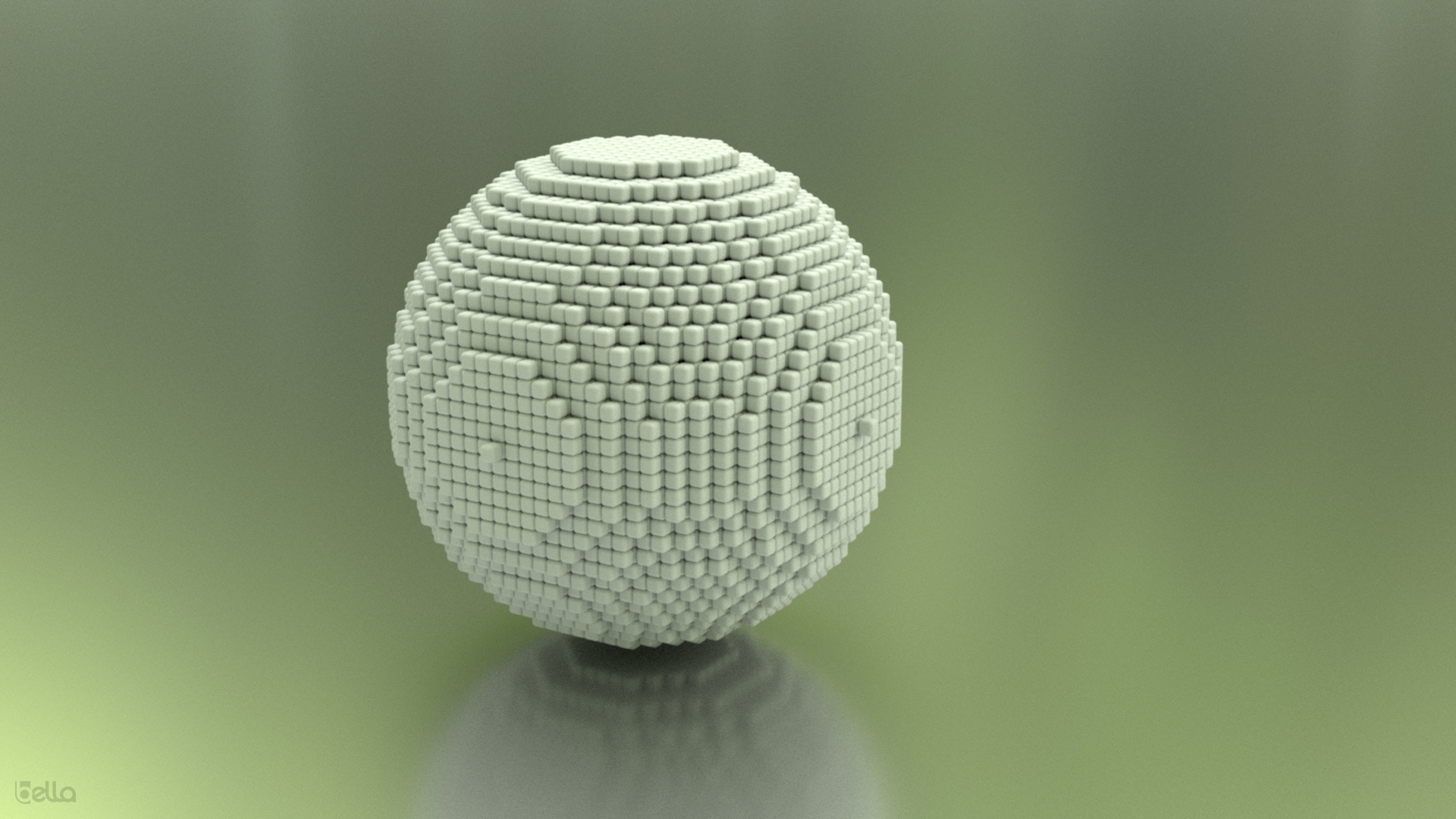
Build
MacOS
mkdir workdir
git clone https://github.com/lzfse/lzfse
mkdir lzfse/build
cd lzfse/build
/Applications/CMake.app/Contents/bin/cmake ..
make -j4
cd ../..
git clone https://github.com/oomer/vmax2bella.git
cd vmax2bella
make
Linux
mkdir workdir
git clone https://github.com/lzfse/lzfse
mkdir lzfse/build
cd lzfse/build
cmake ..
make -j4
cd ../..
git clone https://github.com/oomer/vmax2bella.git
cd vmax2bella
make
Windows
Technical Specification: VoxelMax Format
Overview
- This document specifies a chunked voxel storage format embedded in property list (plist) files. The format provides an efficient representation of 3D voxel data through a combination of Morton-encoded spatial indexing and a sparse representation approach.
File Structure
- Format: Property List (plist)
- Structure: Hierarchical key-value structure with nested dictionaries and arrays
- plist is compressed using the LZFSE, an open source reference c implementation is here
root
└── snapshots (array)
    └── Each snapshot (dictionary)
        ├── s (dictionary) - Snapshot data
        │   ├── lc (binary data) - Location table
        │   ├── ds (binary data) - Voxel data stream
        │   ├── dlc (binary data) - Default layer colors
        │   └── st (dictionary) - Statistics/metadata
        └── Other metadata fields:
            ├── cid (chunk id)
            ├── sid (edit session id)
            └── t (type - VXVolumeSnapshotType)
Chunking System
Volume Organization
- The total volume is divided into chunks for efficient storage and manipulation
- Standard chunk size: 8×8×8 voxels
- Total addressable space: 256×256×256 voxels (32×32×32 chunks)
Chunk Addressing
- Each chunk has 3D coordinates (chunk_x, chunk_y, chunk_z)
- ie a 16×16×16 volume with 8×8×8 chunks, there would be 2×2×2 chunks total
- Chunks are only stored if they contain at least one non-empty voxel
Data Fields
Location Table (lc)
- Fixed-size binary array (256 bytes)
- Each byte represents a position in a 3D volume
- Non-zero values (typically 1) indicate occupied positions
- The index of each byte is interpreted as a Morton code for the position
- Size of 256 bytes limits addressable chunks to 256
- ie a 16×16×16 volume would get 16÷8 = 2 chunks, Total chunks = 2×2×2 = 8 chunks total
Voxel Data Stream (ds)
- Variable-length binary data
- Contains pairs of bytes for each voxel: [position_byte, color_byte]
- Position Byte:
- Usually 0 (meaning position at origin of chunk)
- Can encode a local position within a chunk using Morton encoding
- Color Byte:
- Stores the color value + 1 (offset of +1 from actual color)
- Value 0 would represent -1 (typically not used)
Default Layer Colors (dlc)
- Optional 256-byte array
- May contain default color information for specific layers
Statistics Data (st)
- Dictionary containing metadata like:
- e (extent): Array defining the bounding box [min_x, min_y, min_z, max_x, max_y, max_z]
- Other statistics fields may include count, max, min, etc.
Coordinate Systems
Primary Coordinate System
- Y-up coordinate system: Y is the vertical axis
- Origin (0,0,0) is at the bottom-left-front corner
- Coordinates increase toward right (X+), up (Y+), and backward (Z+)
Addressing Scheme
- World Space: Absolute coordinates in the full volume
- Chunk Space: Which chunk contains a voxel (chunk_x, chunk_y, chunk_z)
- Local Space: Coordinates within a chunk (local_x, local_y, local_z)
Coordinate Conversion
- World to Chunk:
- chunk_x = floor(world_x / 8)
- chunk_y = floor(world_y / 8)
- chunk_z = floor(world_z / 8)
- World to Local:
- local_x = world_x % 8
- local_y = world_y % 8
- local_z = world_z % 8
- Chunk+Local to World:
- world_x = chunk_x * 8 + local_x
- world_y = chunk_y * 8 + local_y
- world_z = chunk_z * 8 + local_z
Morton Encoding
Morton Code (Z-order curve)
- A space-filling curve that interleaves the bits of the x, y, and z coordinates
- Used to convert 3D coordinates to a 1D index and vice versa
- Creates a coherent ordering of voxels that preserves spatial locality
Encoding Process
- Take the binary representation of x, y, and z coordinates
- Interleave the bits in the order: z₀, y₀, x₀, z₁, y₁, x₁, z₂, y₂, x₂, ...
- The resulting binary number is the Morton code
For Chunk Indexing
- Morton code is used to map the 3D chunk coordinates to a 1D index in the lc array Formula: index = interleave_bits(chunk_x, chunk_y, chunk_z)
Detailed Example
To clarify the bit interleaving process, here's a step-by-step example:
For position (3,1,2):
-
Convert to binary (3 bits each):
- x = 3 = 011 (bits labeled as x₂x₁x₀)
- y = 1 = 001 (bits labeled as y₂y₁y₀)
- z = 2 = 010 (bits labeled as z₂z₁z₀)
-
Interleave the bits in the order z₂y₂x₂, z₁y₁x₁, z₀y₀x₀:
- z₂y₂x₂ = 001 (z₂=0, y₂=0, x₂=1)
- z₁y₁x₁ = 010 (z₁=1, y₁=0, x₁=0)
- z₀y₀x₀ = 100 (z₀=0, y₀=0, x₀=0)
-
Combine: 001010100 = binary 10000110 = decimal 134
Therefore, position (3,1,2) has Morton index 134.
An 8×8×8 chunk contains 512 voxels total, with Morton indices ranging from 0 to 511: Morton index 0 corresponds to position (0,0,0) Morton index 511 corresponds to position (7,7,7) The Morton indices are organized by z-layer: Z=0 layer: indices 0-63 Z=1 layer: indices 64-127 Z=2 layer: indices 128-191 Z=3 layer: indices 192-255 Z=4 layer: indices 256-319 Z=5 layer: indices 320-383 Z=6 layer: indices 384-447 Z=7 layer: indices 448-511 Each z-layer contains 64 positions (8×8), and with 8 layers, we get the full 512 positions for the chunk.
For Local Positions
The position byte in the voxel data can contain a Morton-encoded local position
- Typically 0 (representing the origin of the chunk)
- When non-zero, it encodes a specific position within the chunk
Color Representation
Color Values
- Stored as a single byte (8-bit)
- Range: 0-255
- Important: Stored with an offset of +1 from actual color
Color Interpretation
Format doesn't specify a specific color model (RGB, palette, etc.)
- Interpretation depends on the implementation
Snapshots and Edit History
###Snapshots
- Each snapshot represents a single edit operation
- Multiple snapshots build up the complete voxel model over time
- Later snapshots override earlier ones for the same positions
Snapshot Metadata
- cid (Chunk ID): Which chunk was modified
- sid (Session ID): Identifies the editing session
- t (Type): Type of snapshot (VXVolumeSnapshotType)
Special Considerations
Sparse Representation
- Only non-empty chunks and voxels are stored
- This creates an efficient representation for mostly empty volumes
Position Encoding
- When all voxels in a chunk are at the origin (0,0,0), the position byte is always 0
- For more complex structures, the position byte encodes local positions within the chunk
Color Offset
- The +1 offset for colors must be accounted for when reading and writing
- This might be to reserve 0 as a special value (e.g., for "no color")
Field Sizes
- The location table (lc) is fixed at 256 bytes
- The voxel data stream (ds) varies based on the number of voxels
- For a simple 16×16×16 volume with 8×8×8 chunks, only 64 chunks can be addressed (2×2×2 chunks = 8 chunks total)
Implementation Guidance
Reading Algorithm
- Parse the plist file to access the snapshot array
- For each snapshot, extract the lc and ds data
- Scan the lc data for non-zero entries to identify occupied positions
- For each non-zero entry, decode the Morton index to get the chunk coordinates
- Process the ds data in pairs of bytes (position, color)
- For each voxel, calculate its absolute position and store with the corrected color (subtract 1)
- Combine all snapshots to build the complete voxel model
Writing Algorithm
- Organize voxels by chunk
- For each non-empty chunk:
- Create a snapshot entry
- Set up a 256-byte lc array (all zeros)
- Set the appropriate byte in lc to 1 based on the chunk's Morton code
- Create the ds data by encoding each voxel as a (position, color+1) pair
- Add metadata as needed
- Add all snapshots to the array
- Write the complete structure to a plist file
- Compress with LZFSE
- [hand wabving] Package up in a MacOS style package directory with some other files
Practical Limits
- 256-byte location table can address up to 256 distinct positions
- 8-bit color values allow 256 different colors (including the offset)
- For a 256×256×256 volume with 8×8×8 chunks, there would be 32×32×32 = 32,768 chunks total
- The format could efficiently represent volumes with millions of voxels
Scratch notes
Morton    Binary       Coords      Visual (Z-layers)
Index   (zyx bits)     (x,y,z)

  0     000 (000)      (0,0,0)    Z=0 layer:    Z=1 layer:
  1     001 (001)      (1,0,0)    +---+---+    +---+---+
  2     010 (010)      (0,1,0)    | 0 | 1 |    | 4 | 5 |
  3     011 (011)      (1,1,0)    +---+---+    +---+---+
  4     100 (100)      (0,0,1)    | 2 | 3 |    | 6 | 7 |
  5     101 (101)      (1,0,1)    +---+---+    +---+---+
  6     110 (110)      (0,1,1)
  7     111 (111)      (1,1,1)
In memory, this would be stored linearly:
  Memory: [0][1][2][3][4][5][6][7]
         |  |  |  |  |  |  |  |
         v  v  v  v  v  v  v  v
Coords: (0,0,0)(1,0,0)(0,1,0)(1,1,0)(0,0,1)(1,0,1)(0,1,1)(1,1,1)
All voxels with z=0 (Morton indices 0-3 in our 2×2×2 example) are stored contiguously Then all voxels with z=1 (Morton indices 4-7) are stored contiguously This pattern scales to larger volumes too: In a 4×4×4 cube, indices 0-15 would be the entire z=0 layer Indices 16-31 would be the z=1 layer And so on
Morton encoding
Morton encoding completes an entire z-layer before moving to the next one. This happens because the highest-order bit in the Morton code (the z bit in the most significant position) changes less frequently than the lower-order bits, creating this layered organization. This property makes operations like rendering slice-by-slice more efficient, as entire z-layers are stored together.
The Morton encoding is applied at the chunk level (8×8×8) It processes the entire front z-layer (z=0) first, traversing in a zig-zag pattern The zig-zag pattern creates a space-filling curve that maintains spatial locality After completing one z-layer, it moves to the next (z=1) This continues through all 8 possible z-layers in the chunk The location table (lc) uses this Morton ordering to efficiently address all possible chunks, and within each chunk, the data follows this same pattern when decoding positions. This approach is particularly efficient for this voxel format because: It groups related voxels together in memory It enables quick access to entire z-layers It maintains spatial locality which improves cache performance
Location table chunks
The 256 bytes in the lc table doesn't represent voxels within a chunk, but rather which chunks exist in the entire volume: Each byte in the 256-byte lc array corresponds to a potential chunk position For a full 256×256×256 voxel world, you'd have 32×32×32 = 32,768 possible chunks The 256-byte limit means each snapshot can only reference up to 256 distinct chunks This is why the format uses multiple snapshots - it allows the format to build complex models by combining multiple snapshots, each referencing up to 256 chunks. So while 256 bytes is small for individual storage, it's actually a limitation on how many chunks can be referenced in a single snapshot. For most practical voxel models, this is adequate since they typically use far fewer than 256 chunks.
In each snapshot: The cid (Chunk ID) field identifies which specific 8×8×8 chunk was modified The s dictionary contains the actual edit data: lc (Location Table): Shows which voxels in the chunk were edited ds (Data Stream): Contains the color values for those edited voxels Each snapshot represents a single edit operation affecting one 8×8×8 chunk. The format builds up complex models by combining multiple snapshots, each modifying different chunks or the same chunks at different times. Later snapshots override earlier ones when they modify the same voxel positions, allowing for an edit history that reflects the model's evolution.
chunk ID
The cid (Chunk ID) has a range of 0-255 to match the addressing capacity of the lc table. This means:
- Each snapshot can identify one specific chunk via its cid
- Can reference up to 256 unique chunks across all snapshots
- This 0-255 range aligns with the Morton encoding scheme for chunk coordinates and provides a clean 8-bit identifier for each chunk.
Morton encoding on the chunks
The chunk indices use Morton encoding (Z-order curve), just like the voxel positions within chunks. To convert from a cid in range 0-255 to chunk coordinates in an 8×8×8 chunk volume: Convert the index to binary (8 bits)
Deinterleave the bits:
Extract bits 0, 3, 6 for the x coordinate Extract bits 1, 4, 7 for the y coordinate Extract bits 2, 5 for the z coordinate (note: z only needs 2 bits for 0-3 range) For example, to convert chunk ID 73 to 3D chunk coordinates: 73 in binary: 01001001
Deinterleaving:
x = bits 0,3,6 = 101 = 5
y = bits 1,4,7 = 001 = 1
z = bits 2,5 = 00 = 0
So chunk ID 73 corresponds to chunk position (5,1,0). The Morton encoding ensures that spatially close chunks are also close in memory.